

Secure messaging app Signal has rolled out screen capture and scanning blocks on iOS and Android to prevent AI assistants like Siri and Gemini from accessing chat content. This move comes as operating systems increasingly integrate deep AI agents, posing a major challenge to end-to-end encryption technology.
The secure messaging app Signal blocks AI screen reading through a new update, preventing deep OS-integrated virtual assistants like Siri on iOS and Gemini on Android from scanning message content1,2. This move follows privacy protection measures that the platform previously implemented on desktop1.
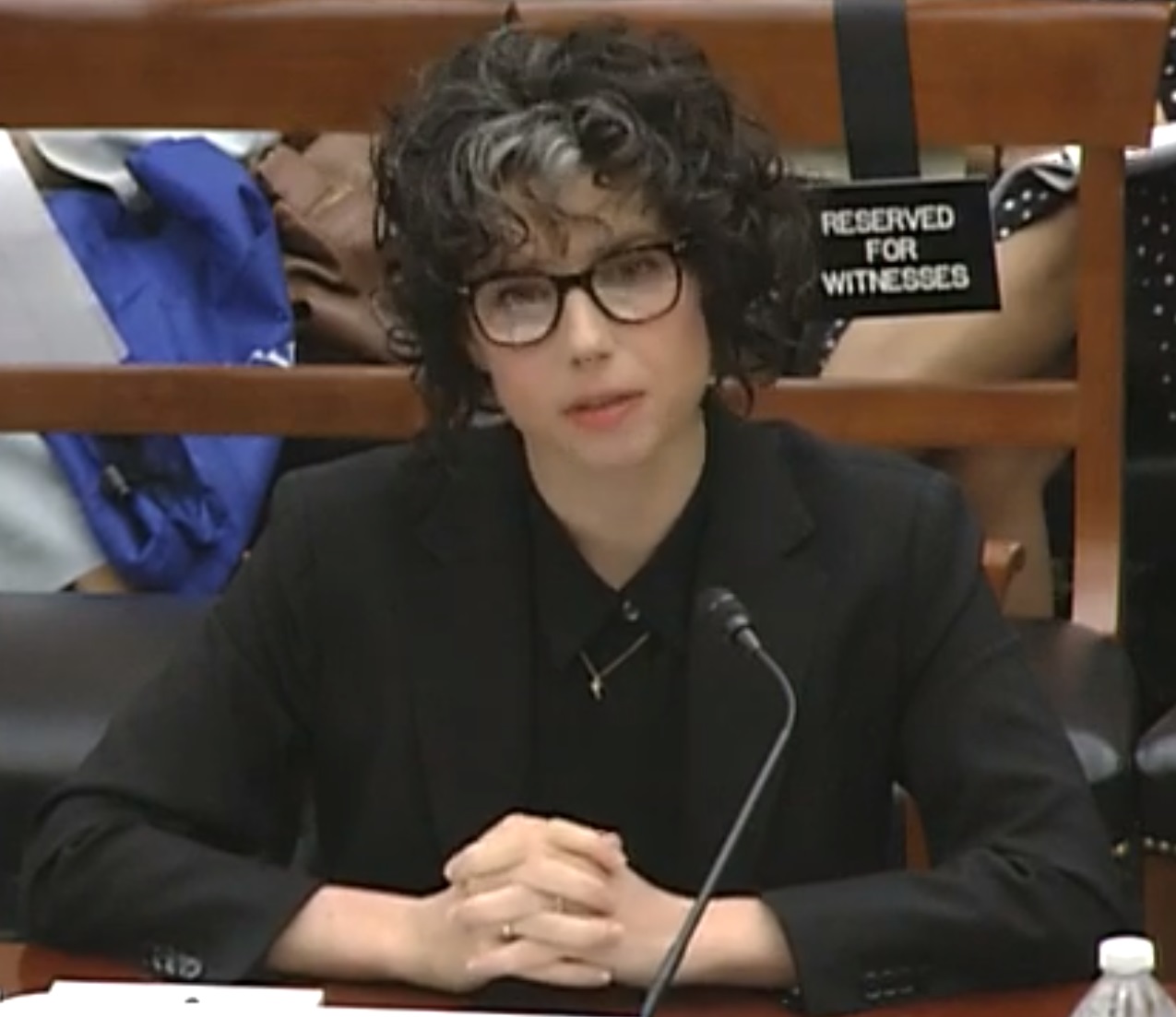
Photo: Meredith Whittaker at House Hearing on Artificial Intelligence – House Science, Space, and Technology Committee, Public domain, via Wikimedia Commons.
Signal's New Protection Mechanism Against Siri and Gemini
AI systems like Siri with Onscreen Awareness on iOS and Gemini Intelligence on Android can directly scan displayed content to provide contextual suggestions for users1,2. Signal states that when data is captured, personal information moves beyond the application's control and may be stored in on-device databases or transferred to remote servers1,2. Although end-to-end encryption protects messages during transmission, this mechanism cannot prevent AI from reading text once it is displayed on the screen2.
Photo: Xiaomi Mi Note – Vernon Chan, CC BY 2.0, via Wikimedia Commons.
To prevent this risk, Signal has established technical barriers tailored to each mobile platform:
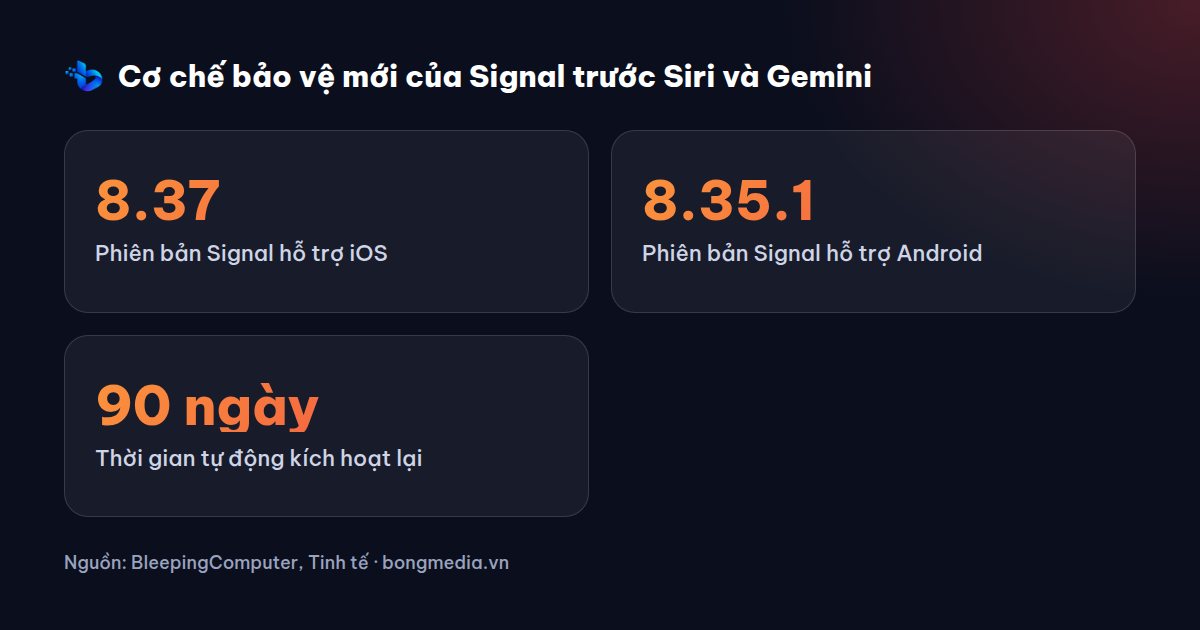
- On iOS: According to Tinh tế, users need Signal version 8.37 or higher running on the iOS 27 operating system2. An option named "Block Siri AI" in the security settings is enabled by default1,2. This feature blocks screenshots and screen recording within the app, while hiding content in the App Switcher is a separate option2. If users need to take a screenshot for personal purposes, the system allows temporarily disabling it for 10 minutes before automatically re-enabling2.
- On Android: The feature is named "Screen security," requiring Signal version 8.35.1 or higher2. Unlike iOS, the feature on Android is not enabled by default and will automatically activate with a warning notification as soon as an AI assistant attempts to access the screen1,2. Signal explains this difference is due to the fragmented Android ecosystem with various custom versions from different manufacturers2. If users turn off this feature via the pop-up notification, the app will automatically re-enable it after 90 days2.
Previously, in May 2025, Signal also deployed a similar technical solution to neutralize Microsoft's Recall feature, which continuously records screenshots on Windows 111,2.
Technical Limitations and Threats from OS-Level AI
Meredith Whittaker, President of Signal, noted in an article that operating system-level AI systems (agentic systems) are becoming an existential threat to secure messaging apps1. She explained that current AI agents are embedded deeply into the operating system architecture, leaving independent apps at a disadvantage with very few options to protect user data themselves1.
Photo: AI Artificial Intelligence concept (52917075159) – Jernej Furman from Slovenia, CC BY 2.0, via Wikimedia Commons.
Signal's engineering team spent months reverse engineering to understand how AI extracts screen data1. However, Signal acknowledges that the current screenshot blocking solution remains incomplete1,2:
- AI can still find ways to access chat data through the local file system or other application programming interfaces (APIs) on the device1,2.
- On macOS 27, Signal stated that it cannot currently provide a reliable screenshot blocking mechanism1,2. Therefore, the app recommends Mac users manually add Signal to the Excluded Apps list in Siri settings to avoid content scanning1,2.
- Third-party AI assistants, such as Meta's Muse, can leverage deep permissions like Accessibility to access the screen interface2.
Facing this reality, Signal has officially called on Apple, Google, and Microsoft to publish detailed technical documentation on AI access mechanisms, while providing standard tools that allow developers to proactively opt-out of AI interference across screens, files, and notifications1,2. Currently, Apple and Google are holding discussions with Signal regarding this issue2.
Impact on Users and the Context in Vietnam
In the hardware market, AI screen-reading features like Gemini Intelligence have already appeared on devices such as the Galaxy Z Fold8, Z Fold8 Ultra, Z Flip8, and Pixel 112. For Apple device users, the Apple Intelligence system already supports Vietnamese2. Meanwhile, according to Apple's statements cited by Tinh tế, the Siri AI assistant will also officially support Vietnamese later this year2.
Photo: Mobile phone base station, camouflaged as tree-0523 – Raimond Spekking, CC BY-SA 4.0, via Wikimedia Commons.
The language expansion of AI systems means that Vietnamese screen context reading capabilities will soon be widely activated2. Domestic users utilizing Signal on iOS and Android will have to accept limitations on ordinary screenshot functionality in exchange for protection against operating system AI models1,2.
Vizy's take
According to Vizy, Signal's aggressive move highlights a major paradox in the artificial intelligence era: the boundary between smart utility and personal data intrusion is increasingly blurring. When major tech giants like Apple or Google turn AI into a default interface layer that can "see" everything on the device, traditional end-to-end encryption technology is gradually losing its standing as an absolute shield. Data, even when strictly secured in transit, can still be completely extracted right at the point of display at the endpoint.
Vizy believes that Signal's appeal to Apple, Google, and Microsoft is a necessary step for the entire software industry. Users and businesses in Vietnam cannot simply rely on temporary patch solutions like screenshot blocking. In the long run, regulatory agencies and platform providers need to soon establish a transparent standard where the right to permit or block AI from scanning data must belong to the direct control of users and application developers.
Sources
- BleepingComputer – Signal to block Siri, Gemini AI from capturing chats on iOS, Android (Sun, 22 No)
- Tinh tế – Signal chặn chụp màn hình để Gemini, Siri AI không đọc tin nhắn: AI nhìn màn hình đáng lo cỡ nào? (Sun, 22 No)
Compiled and analysed by Vizy from the sources above and reviewed by a Bống Media editor before publication. "Vizy's take" is the author's own opinion. For information only, not investment advice.
FAQ
Why does Signal need to block screenshots on mobile phones?
Signal blocks screenshots to prevent AI assistants like Siri and Gemini from automatically scanning and collecting displayed message content in order to protect user privacy.
How can users take a Signal screenshot on an iPhone while protection is enabled?
iPhone users can temporarily disable the blocking feature for 10 minutes through the prompt displayed when taking a screenshot or by adjusting the app's security settings.
What should Mac Signal users do to stop Siri AI from reading messages?
Since there is no direct blocking mechanism on macOS 27 yet, Signal recommends users add the application to the Excluded Apps list in Siri's system settings.